Never caught off guard by a due date.
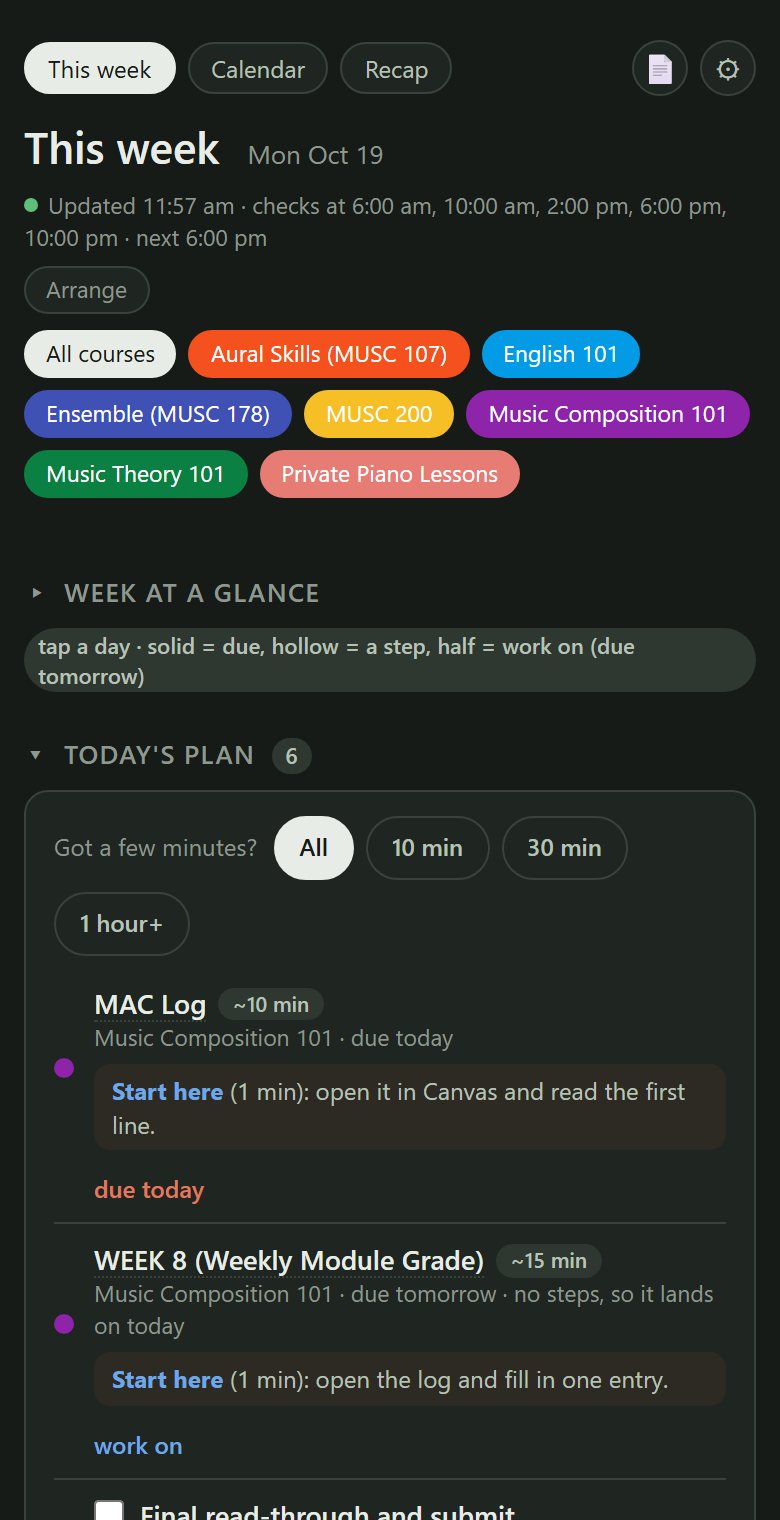
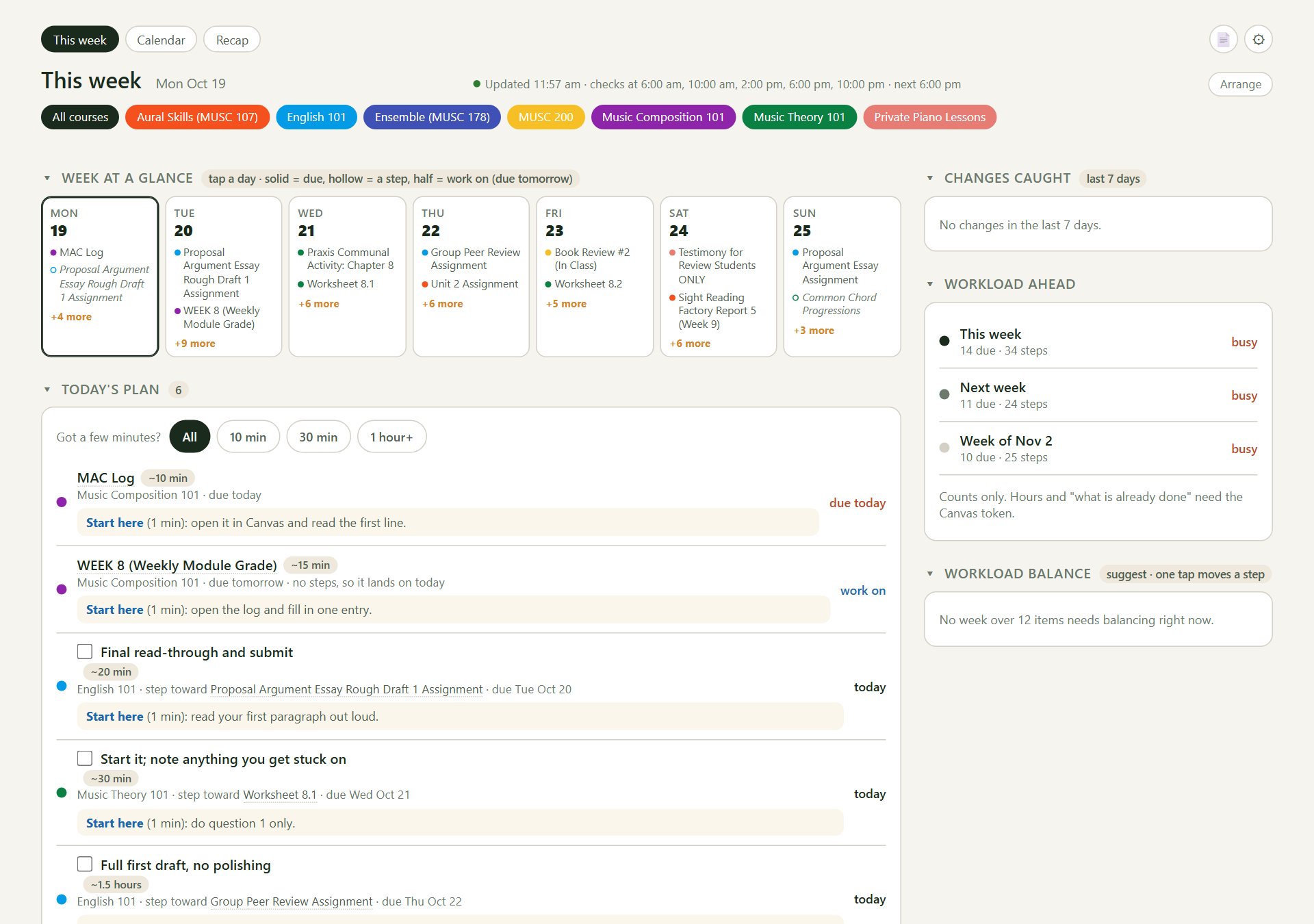
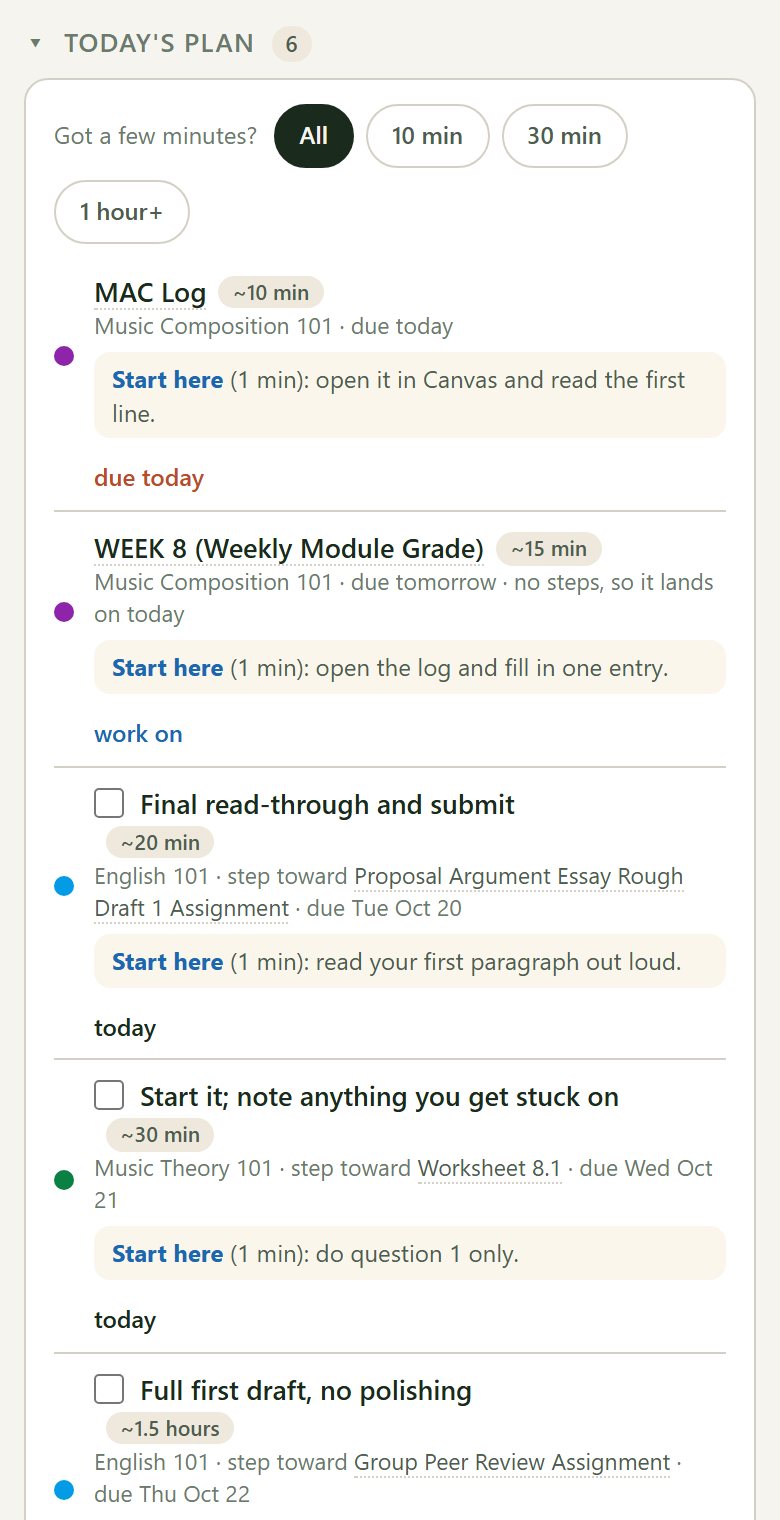
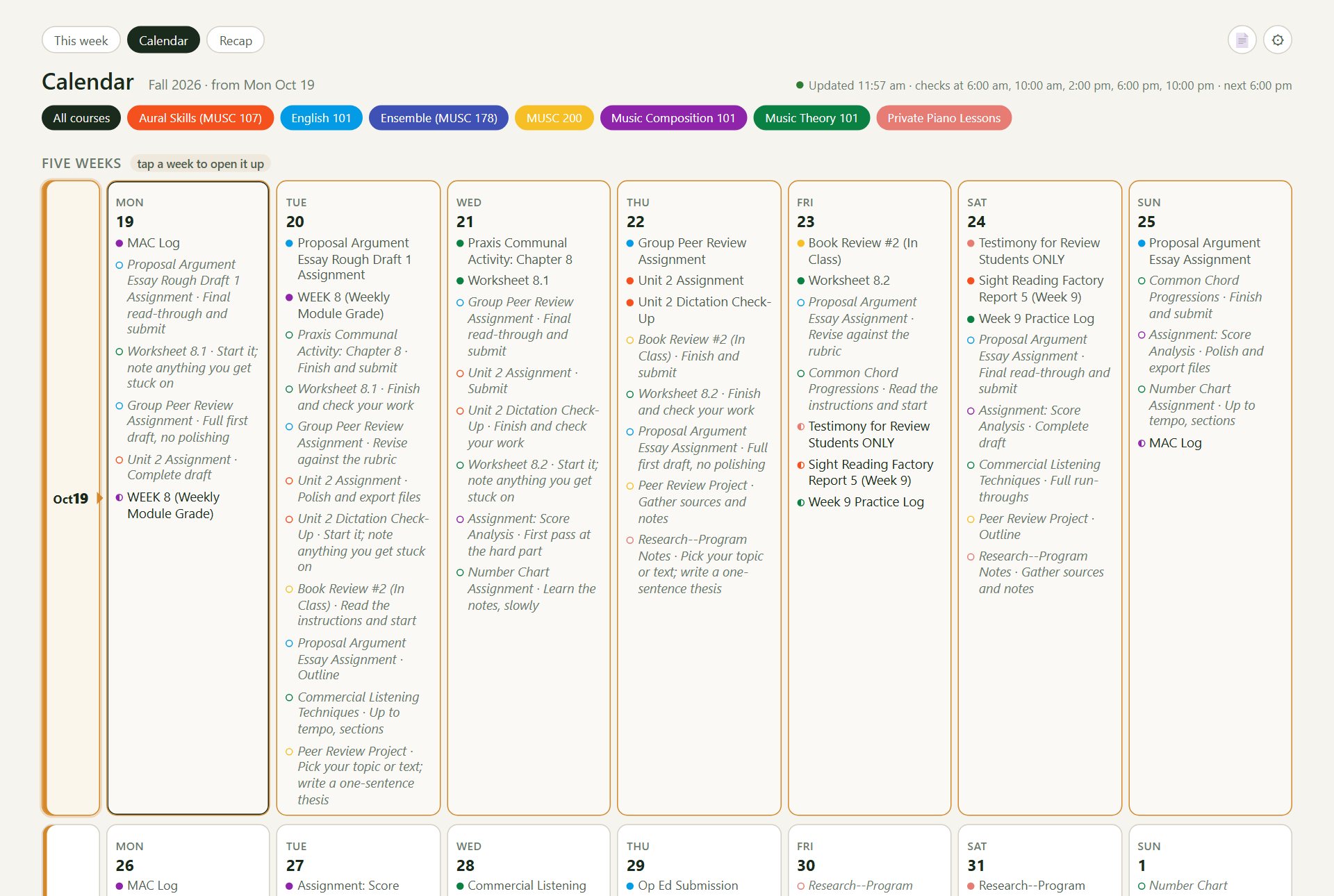
Project Forejay reads a student's Canvas calendar and turns it into a plan: what's due, what to work on today, and big assignments broken into small steps. It updates itself five times a day.
How it works
Nothing to install, and nobody hands over a Canvas password.
Copy one link from CanvasIn Canvas, open Calendar and click Calendar Feed. It's the same read-only link you'd add to a phone calendar.
Paste it in onceAfter you sign in, paste the link. The student's page is ready after the next update.
Open it when you need itOn a phone or laptop. It checks Canvas at 6 am, 10 am, 2 pm, 6 pm and 10 pm (Central), so the plan stays current.
What it looks like
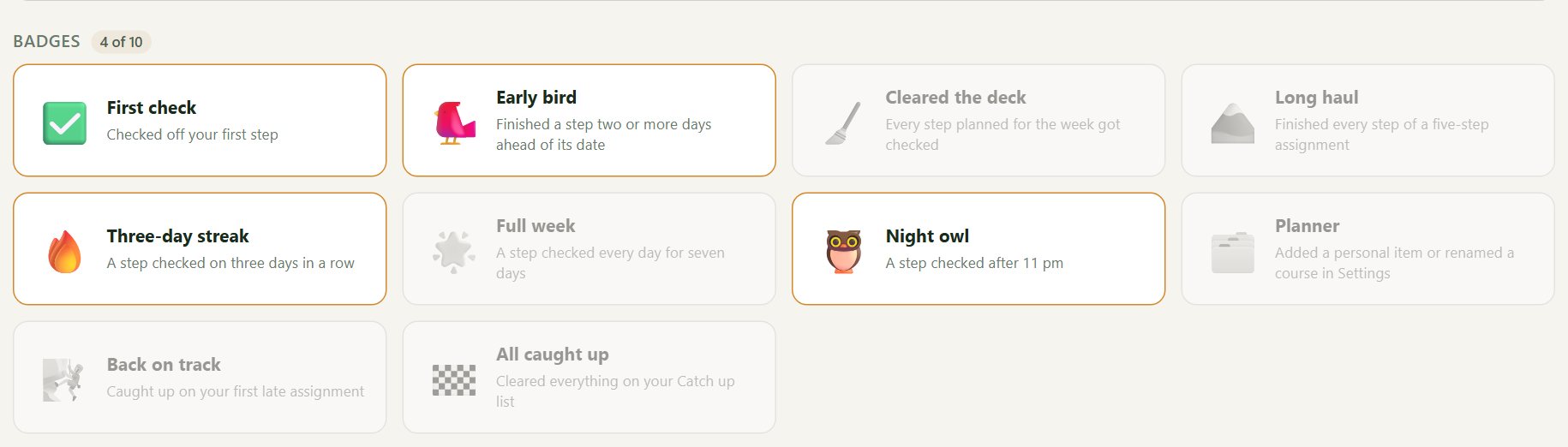
These are real screens from a college student's week, the first person it was built for, shared with her OK.
What it does
Built for the student first, with a lighter view for parents.
Breaks big work into stepsAn essay becomes outline, draft, revise and submit, spread over the days before it's due.
Catches changesA new assignment, or a due date that moved, is flagged so a quiet change doesn't slip past.
Shows the heavy weeks comingSee which weeks are busy before you're in them.
Plans around real lifeAdd your own items, like work shifts or games. Steps can skip school breaks too, once your school's calendar is added.
Checkboxes that syncCheck a step off on the phone and it's checked on the laptop too.
A parent view, if you want itEach of your kids on one screen. You can send a short nudge, two a day at most, with quiet hours.
What it won't do
- It only reads. It can't submit work, message a teacher or change anything in Canvas.
- It doesn't see grades or what's already turned in. The calendar link doesn't include them.
- It never asks for a Canvas password.
- It isn't from Canvas or your school. It's an independent project.
Privacy, plainly
- It stores the student's first name and school, the calendar link, and the assignment titles, dates and course names that come from it. That's all.
- The calendar link is stored encrypted, and the student can reset it in Canvas at any time to cut off access.
- One button deletes your account and everything in it.
- Details: privacy and terms.
Looking for a few testers
I'm a dad building this for my own kids, and I'd like a handful of other families to try it before it goes further. It's free.
- Who: high school or college students whose school uses Canvas, or their parents. Students 13 and up can sign up themselves.
- What I'd ask: use it for two or three weeks, then tell me what was confusing and what you wished it did. A couple of short questions pop up along the way, and there's a feedback button on every page.
- How many: up to 15 people in this round.
Tell me the student's school, whether it's high school or college, and whether you're the student or the parent. If there's room, I'll send you a personal invite link. Seeing this on Facebook? A comment on the post works too.